Sign in with Google, no separate password
Platform ·
You can sign in with your Google account, no separate password needed. Password fields now have a show button, and how your data is handled is set out in a privacy policy.
The sign-in and registration pages now have a Continue with Google button. If your email is already registered, it opens your dashboard; if not, a dashboard is created right away, with no password. Google passes the platform only your email address, whether it is verified, and your name.
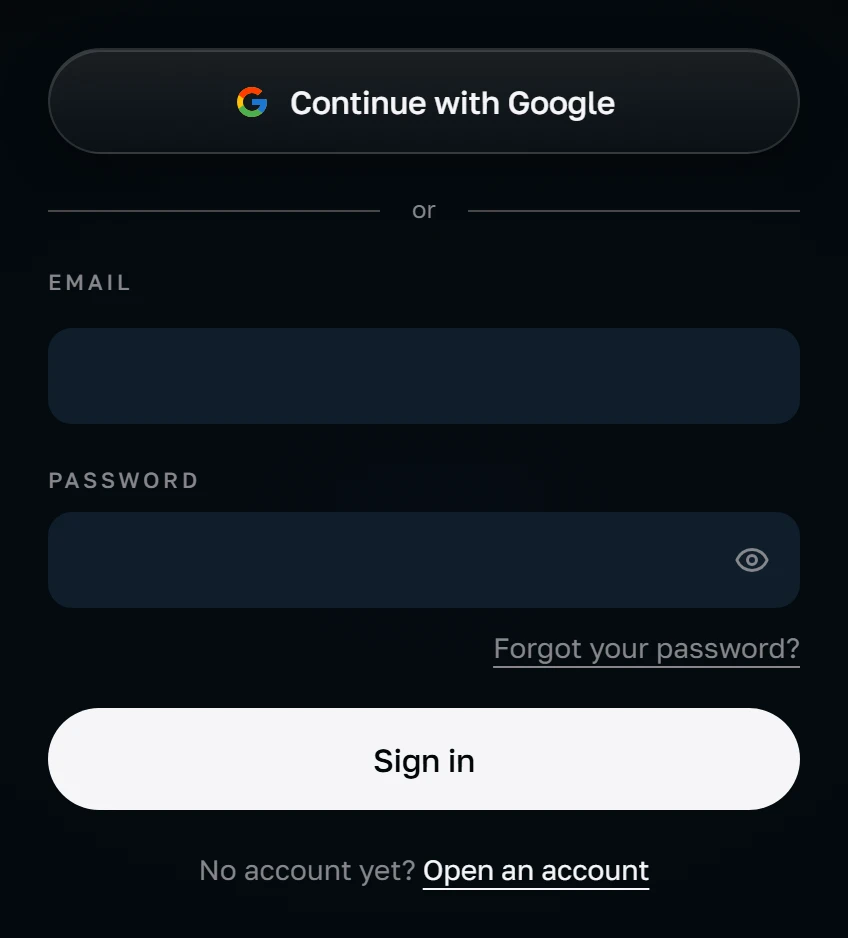
The button leads to a Google page where you pick an account: the site asks for a choice every time rather than signing you in silently. It requests only the openid, email and profile scopes. Before redirecting, the site sets a service cookie for 10 minutes holding a one-time value. On return the value is checked, and the signature, issuer and audience of Google's reply are verified against Google's public keys. Any failure sends you back to the sign-in page with an error message.
The account is looked up by email address, lowercased. Sign-in is allowed only if Google confirms that address. If the address is already in the database, its dashboard opens. If not, a new one is created: the name comes from Google, or the part of the address before the @ if there is none, the interface language is the site's current language, and the email is marked confirmed straight away. Such a dashboard has no password: the stored value is empty, and no password matches it.
If sign-in fails, the sign-in page shows the message “Google sign-in failed”. This happens when Google does not confirm the address, the return fails the check, or the site has no Google app keys configured. Details are not shown to the user. Signing in with a password still works if one is set: the ordinary form sits next to the button and does not depend on it.
You can set a password later through Forgot password, and then either way of signing in works. Every password field — at sign-in, registration, reset and the password change in your profile — now has a show button, so you can check what you typed before sending it.
If an account was created through the password form and its email never confirmed, the owner of that address can arrive through Google. The password is then removed, the address is marked confirmed and all earlier sessions are ended in one operation, so anyone who created the account with someone else's address is signed out. You can set a password through Forgot password: the link arrives by email, works for one hour and only once.
The show-password button works only in the browser: it switches the field between hidden and plain text and sends nothing. A new dashboard opens in preview mode, where the sections show only part of their data; full access is granted separately, after we talk, and does not depend on how you signed in. Signing in with Google is only a way into the dashboard.
From Google's reply the site uses the email address, whether it is verified, and the name; the sign-in code does not store Google tokens. Permissions to read your mail, contacts or files are not requested. When a new dashboard is created, the server may send Google Analytics a single registration event marked “google”; the address and name are not included. The sign-in, registration and client pages load no third-party scripts, while Google Tag Manager runs on the public pages.
What the platform stores, why, and who it shares it with is set out in the privacy policy, linked in the site footer. In short: cookies are used only for sign-in and your language choice, with no advertising or analytics cookies on the sign-in and registration pages or in the dashboard, and you can correct, export or delete your data.